
This is an example of how to send any Google Suite document by Fax. The example has been made thinking about the most generic use of the fax, sending a document from the text editor, but it is equally valid for google sheets and other Google Suite applications.
To make this proof you must have an eComFax account and the email address on your eComFax account must be the same you have in Google Mail account.
Log in to your google account. In the upper right corner you click on the Apps icon  and you see something like:
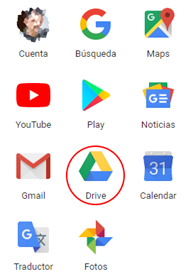
Then click on “Drive” and open your drive App, you may see like:
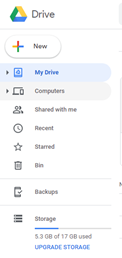
Click on New and create a text document
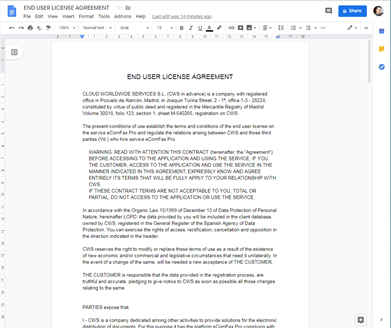
Write anything in your google document that you want to send by fax. Below is an example.
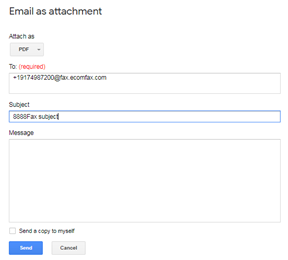
From the File Menu, select “Email as attachment”
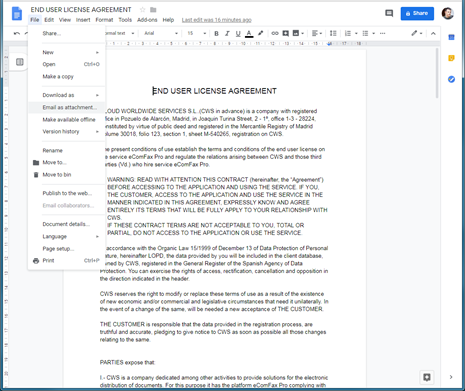
Please fill the pop-up dialog with the data of fax destination: attach as PDF (preferred), the fax number with the correct notation ( faxnumber@fax.ecomfax.com ) and fill in the subject field your PIN code and subject text. Finally press Send button
You will receive shortly an email from eComFax with notification and results of the fax transmission.
You can proceed with other Google Apps with the same way. Try at your convenience.