
Even though you will receive your faxes through your email address. The web interface will also show you a complete listing of all faxes and SMSs sent and received in the your chosen custody period (default is 30 days).
Tip: If you think you are missing faxes from your email! Check the Message List first to establish if it is an issue with your email client.
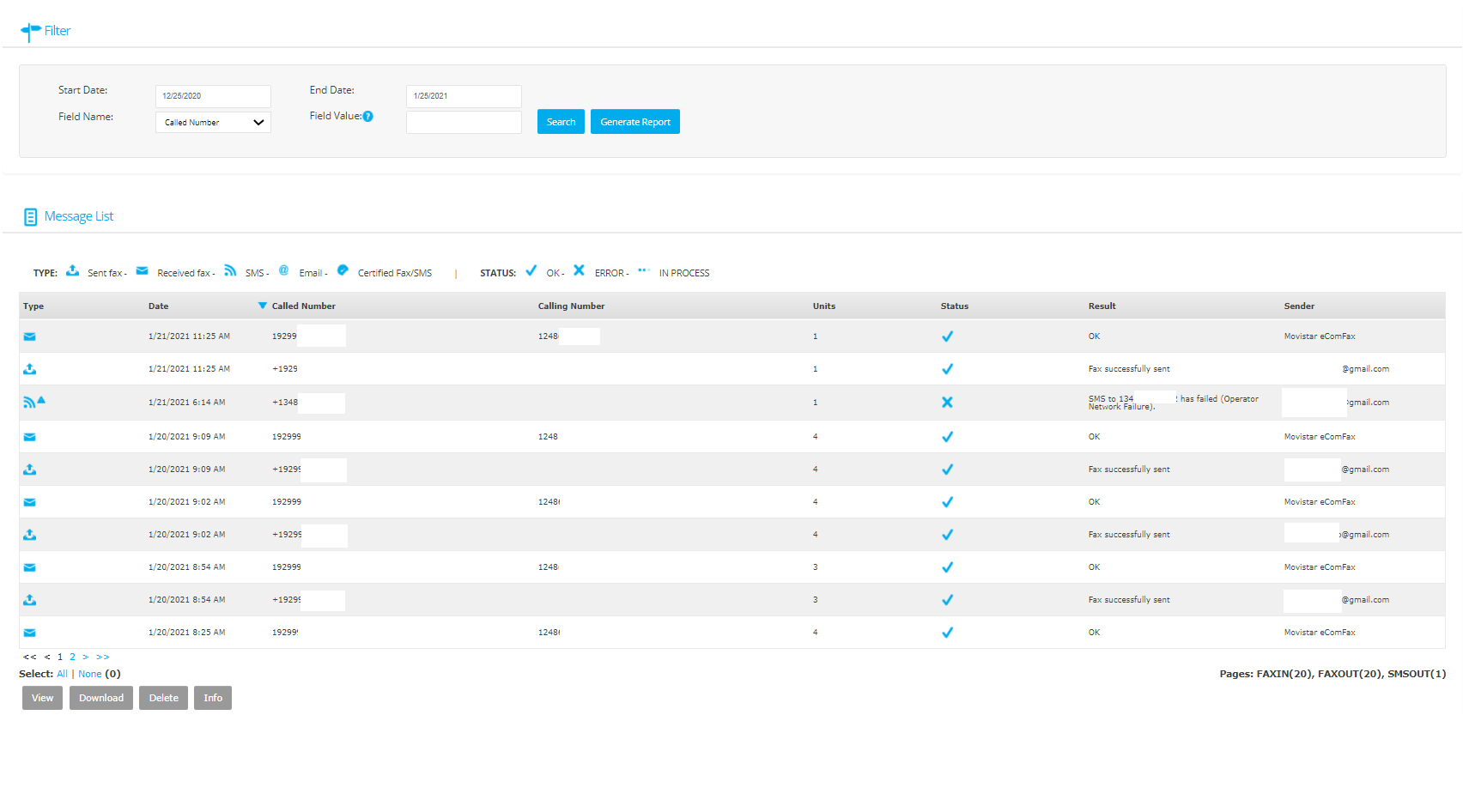
Filter: This will allow the user to set specific filters to generate a report of messages.
Message List: Each type of fax and SMS that has been sent and received in this account is shown here. The key at the top will help the user identify messages clearly.
You can select a message and at the base of the list is the option "View", "Download", "Delete" and "Info".
Tip: You can not use certain options depending on the fax type.
Tip: If you select "Delete" it will only delete the fax image and not the message from the list.