
1. Home page (Statistics)
The Statistics module offers up-to-date and visual information on the evolution and information regarding the number of calls, the accumulated recorded time daily, and the ranking of the most active users within the service.
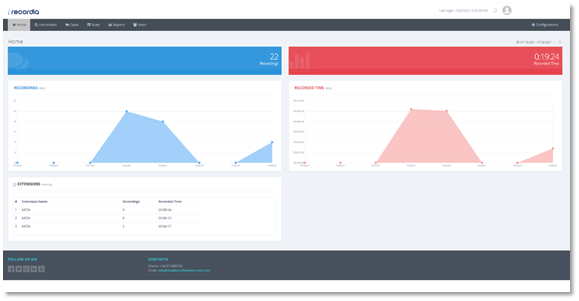
Overview of Home Statistics
In the Control Panel, you will find two blocks referring to the total number of recordings accumulated for the set date range, by default one daily and the accumulated total recorded time.
2. Filter by date
By clicking on the date range in the upper-right corner of the Control Panel, you can select the date range that you want to represent in the graphics of the main interface.
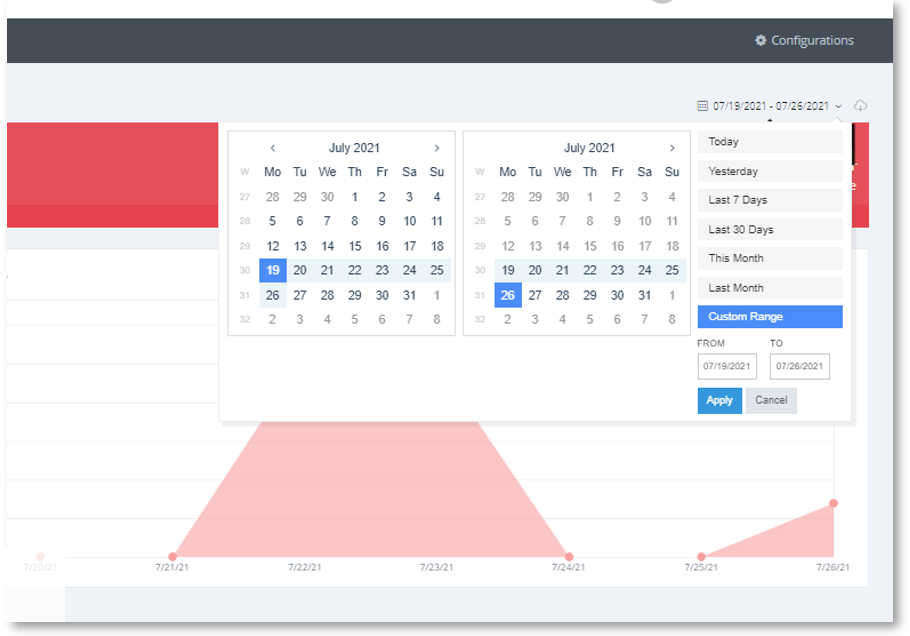
Date Filter Detail for Statistics
You will have a set of filters by default for the current day, yesterday, and the last 7 or 30 days, among others. However, if you require it, you can narrow the search according to your needs.
3. Download reports
If you click the download icon  , accessible in the upper-right corner of the Control Panel, you can download the reports in both CSV and PDF format.
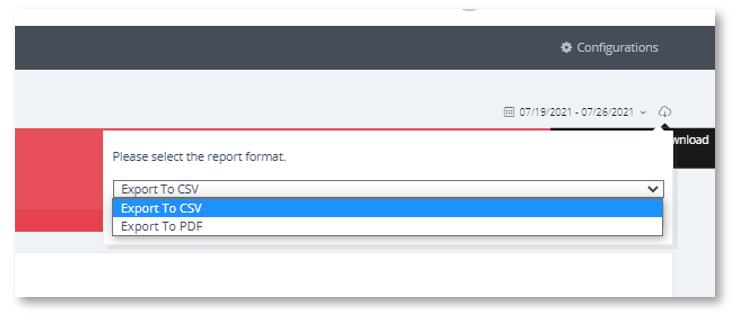
Detail of Downloading Statistics Reports
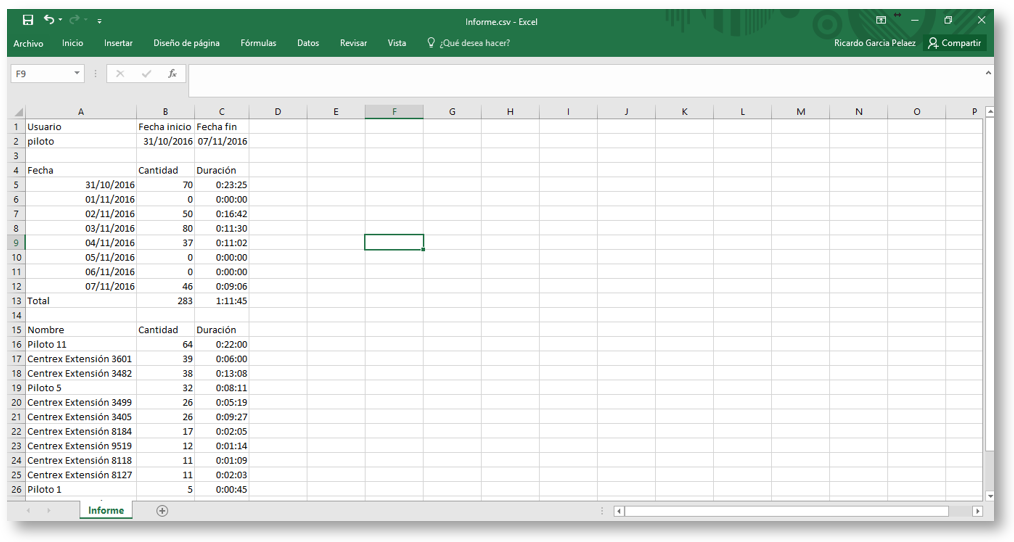
Statistics Report View in CSV format
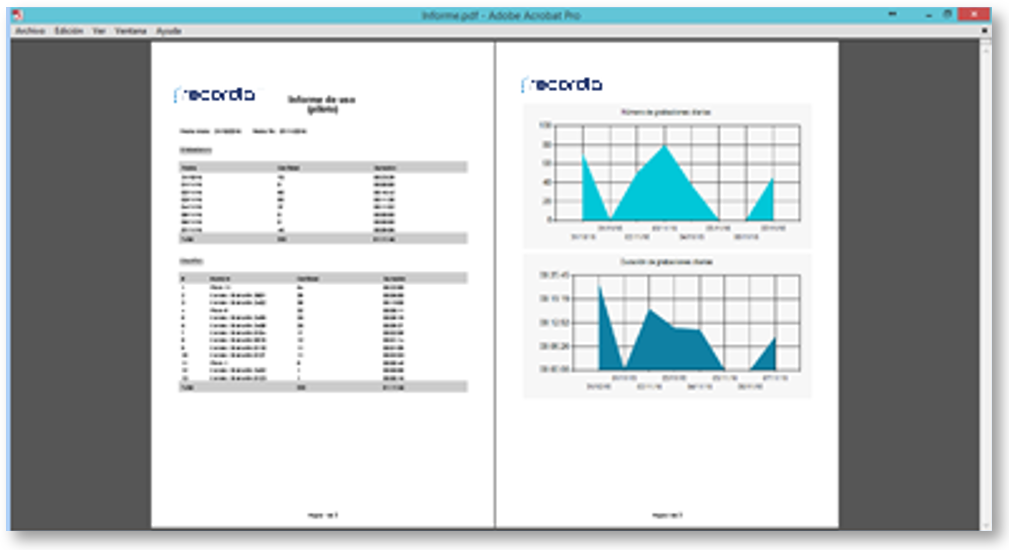
Statistics Report View in PDF format