
If required and if you have the necessary permissions to do so, you can delete a Group, User, or Line.
To do this, click the selected element and mark it. Then from the Delete accessible option in the Actions drop-down, you can delete it.
If what you delete is a Group, you can select to delete all users from the group and subgroups hierarchically below.
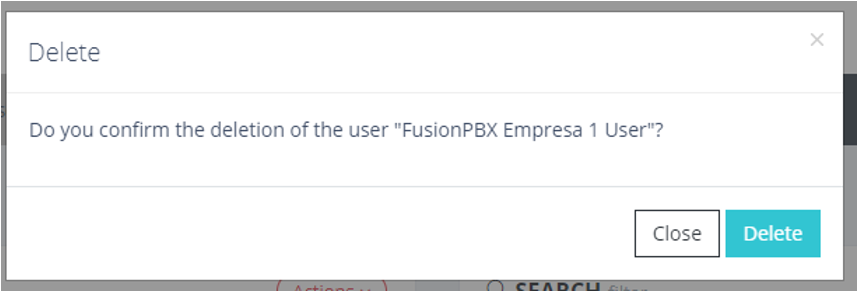
Deleting detail of a group