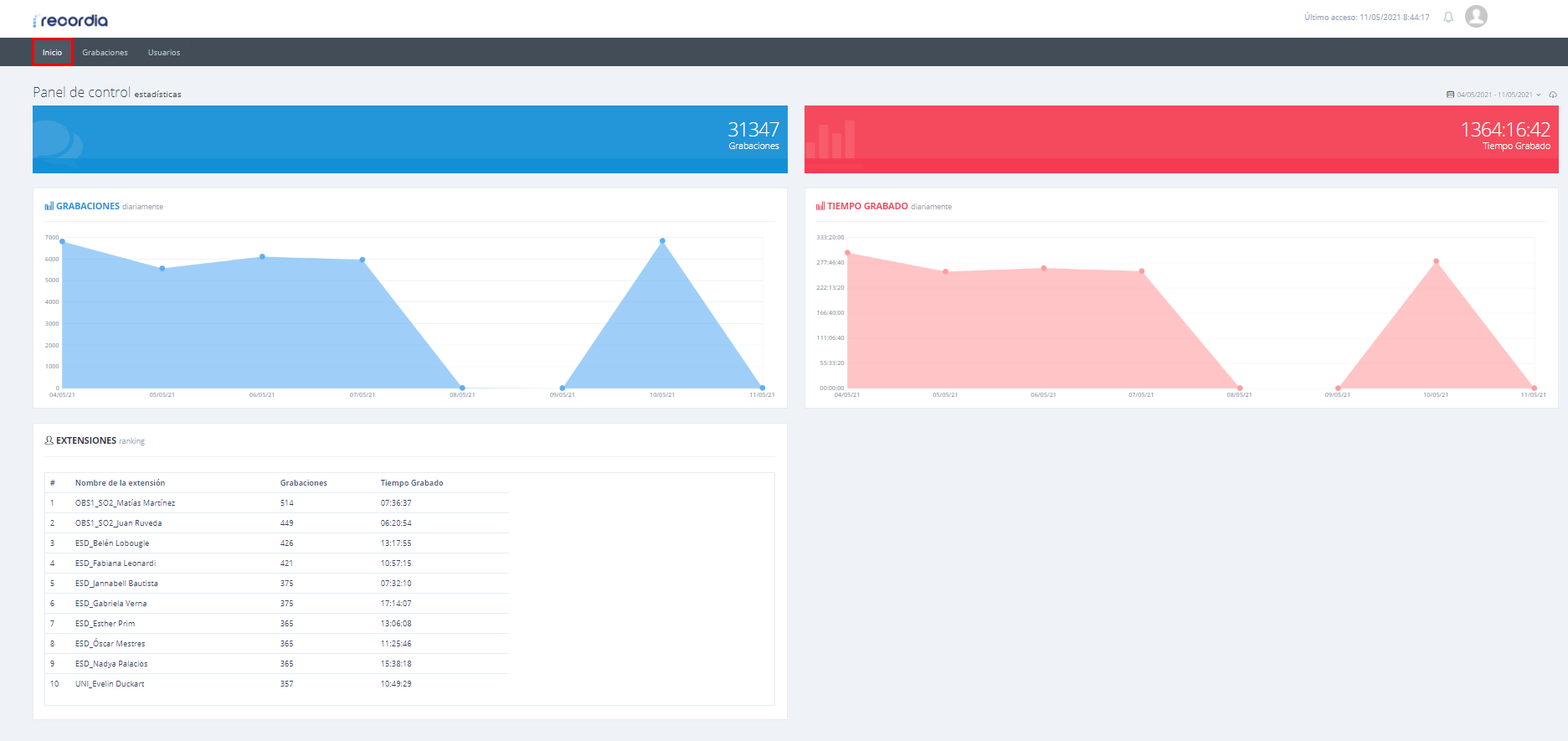
After logging in with a user account on the Recordia platform, the Home page appears:
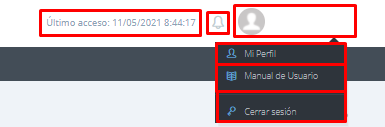
In the upper right-hand corner, you can see the date of the last access to the account, the incoming notifications, and the user icon (it serves as a drop-down to facilitate access to our Profile, the User Manual, or to close the session):
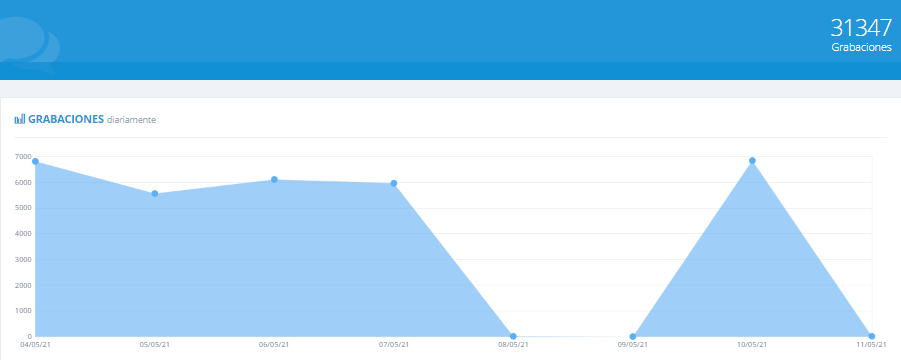
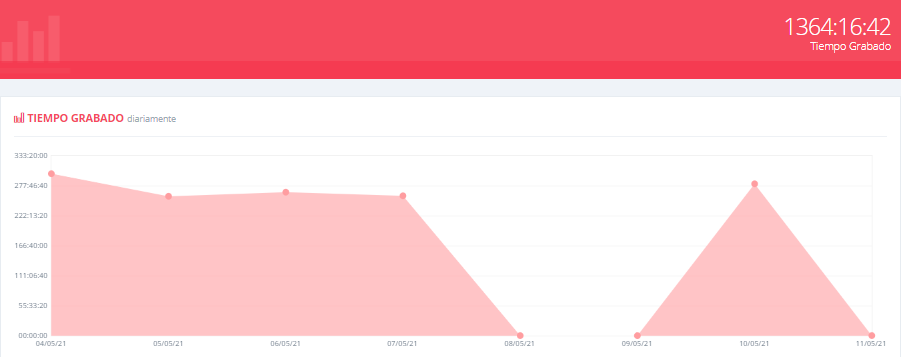
Regarding the Control Panel, it allows us to view the statistics of:
- Recordings
- Recorded Time:
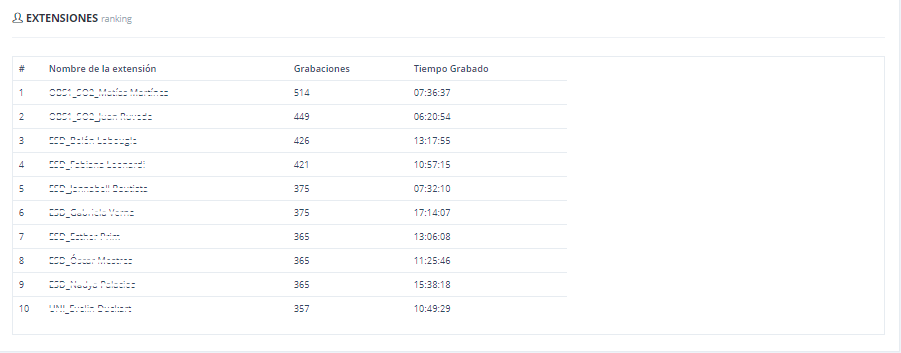
- Ranking of extensions: