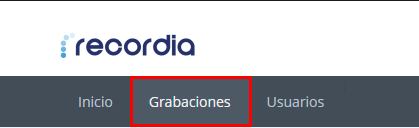
From the Recordia Home page, you can directly access the Recordings section through the internal navigation bar at the top:
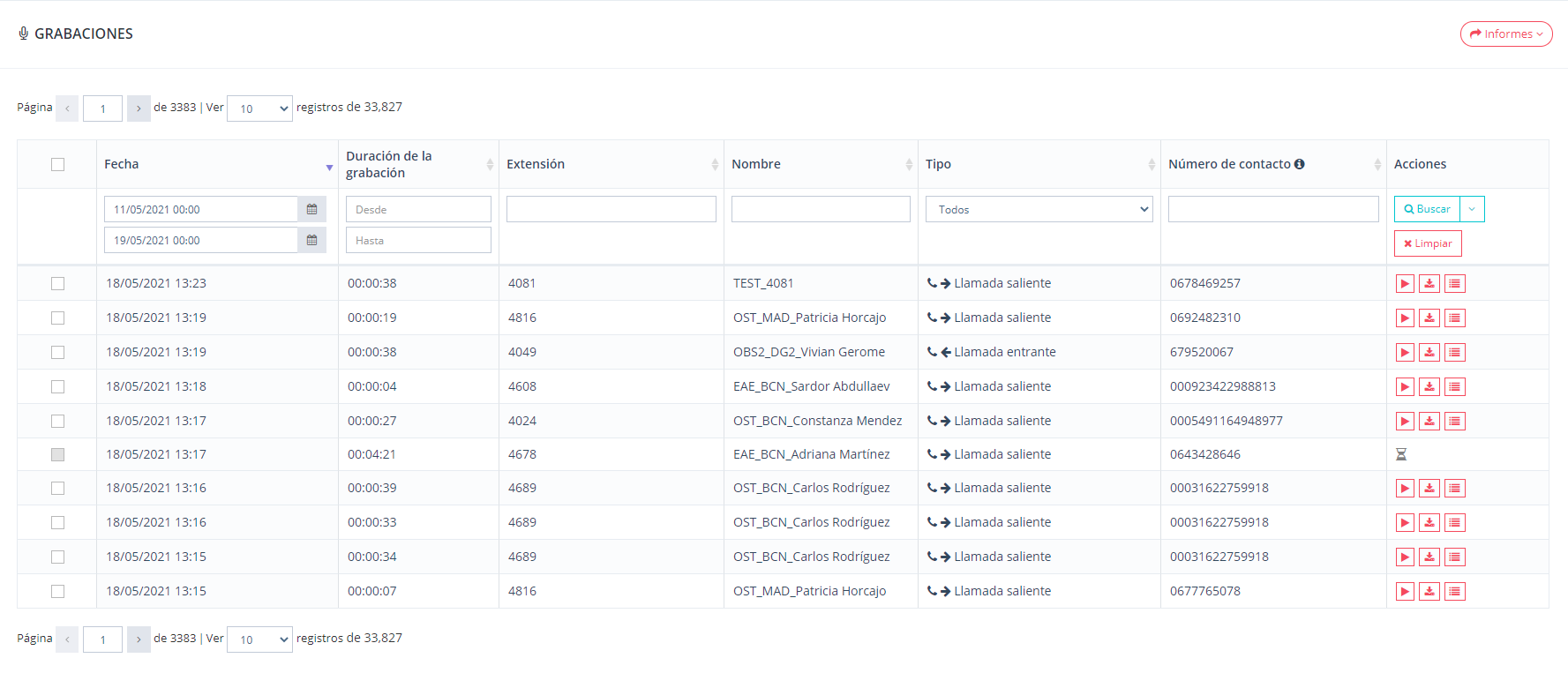
This section allows you to view the recordings in detail and filter these recordings based on data such as the date the recording was made, its duration, the extension (associated short), the name of the person making the call. , the type of call (incoming or outgoing) and the contact number.
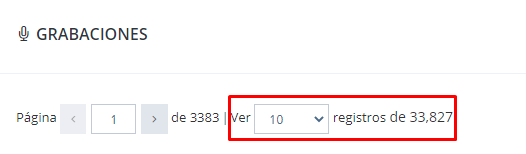
In addition, in the upper left part of this section, there is a drop-down menu that allows you to limit the number of records (of recordings) that you want to view.
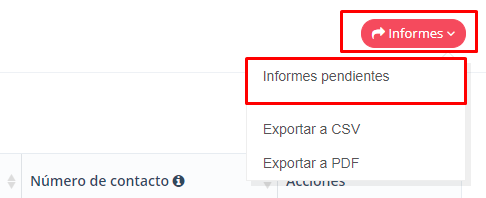
Finally, note that pending reports are found when displaying the "Reports" section that is located in the upper right corner: