
Recordia® allows you to filter the results by other criteria not shown in the table directly, such as the unique identifier of the recording, the Notes field or even by words of the transcript.

To do this from the search button, you must click on the arrow at the end so that a pop-up search window is displayed from which to display the criteria by which you want to search.
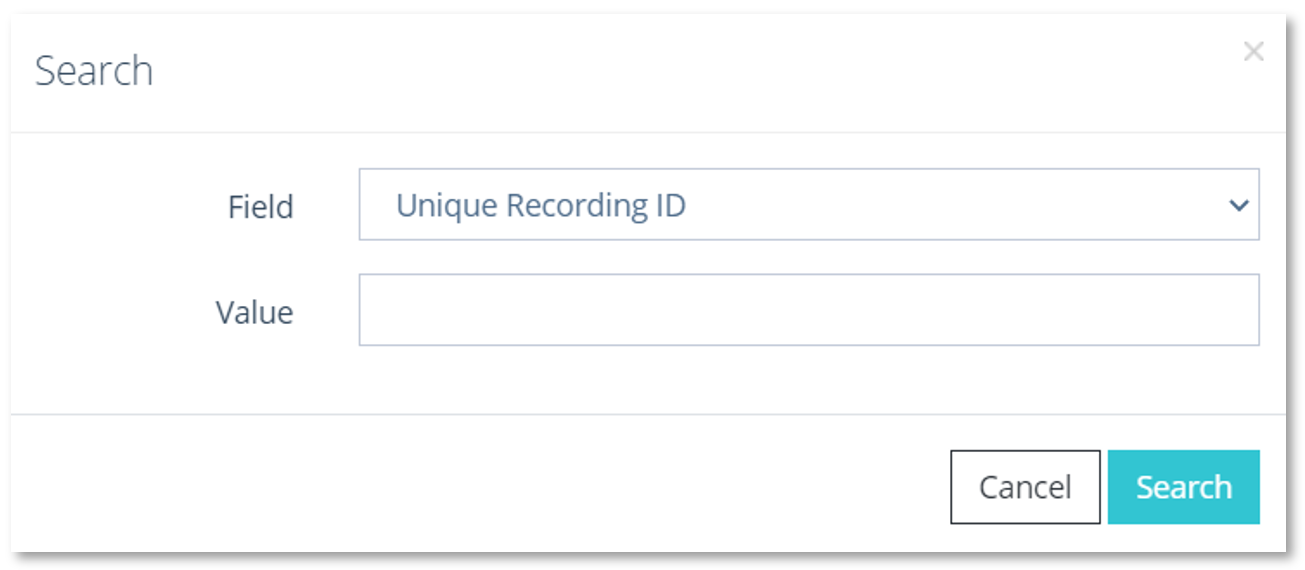
Search window detail ID and notes