
By clicking on the  icon you can play the audio file. Each interaction the user makes with any of the system records will be recorded in the history of that file in order to have traceability and audit on the recording.

Recording view detail. Play icon
Recordia® has two types of players: simple player and advanced player between which is changed by using the right button [switch to the advanced player or switch to simple player].
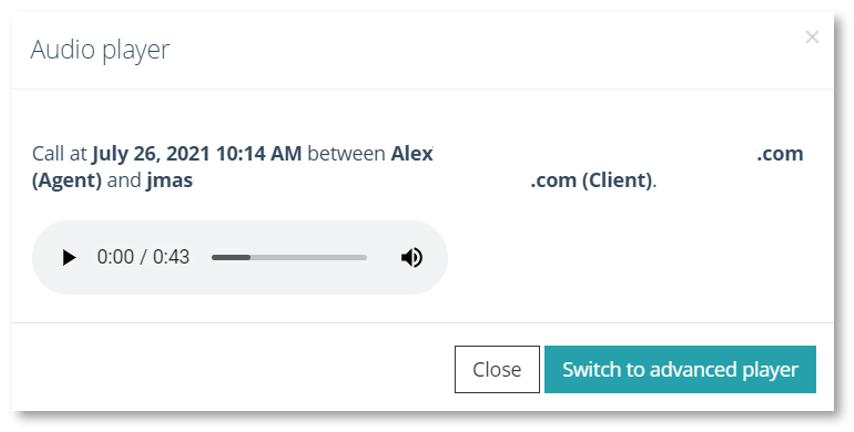
Detail simple player view
Regarding the advanced player, it allows you to see the sound waves so at a glance you can identify the parts in which there is some kind of conversation. On the other hand, when you have hired the transcriber will see the transcript while the listener is done, as well as if it is an intervention of an agent or client and the word of the translation in which it is.
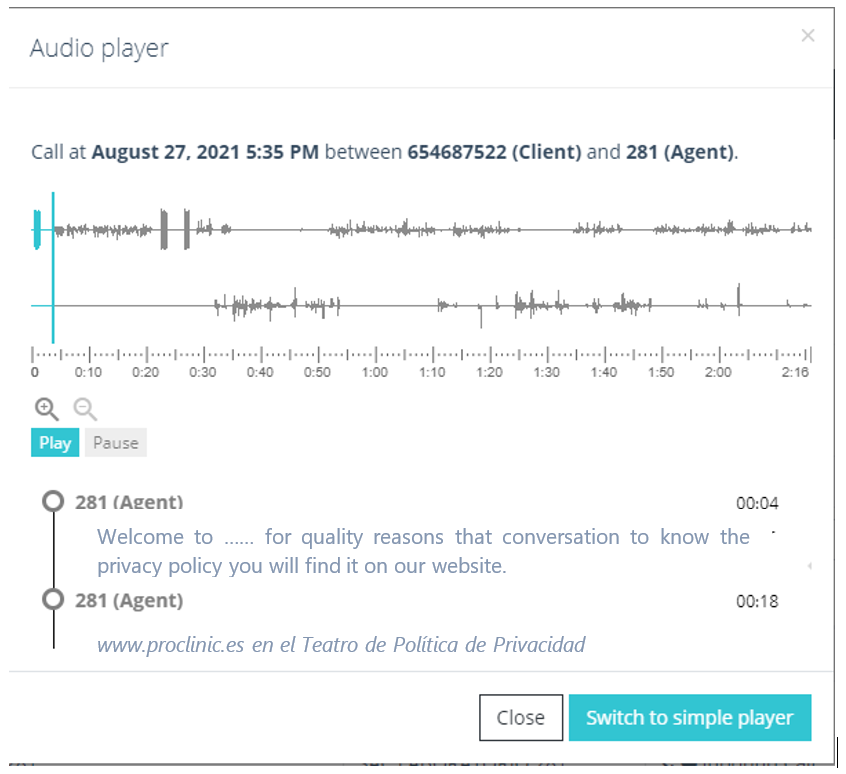
Detail advanced player view