
eComFax offers the option to print your faxes with HP ePrint.
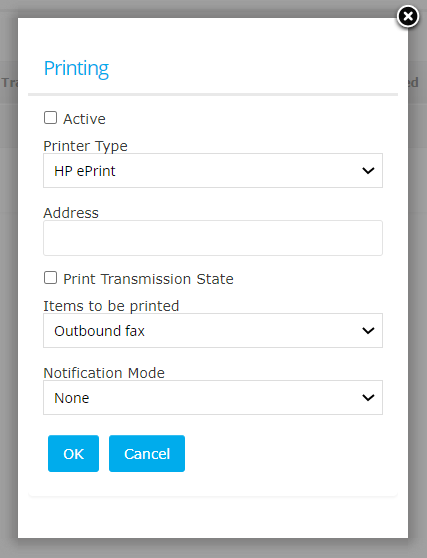
Simply select the unique address of your printer, then choose what type of fax should be printed and the notification mode.
Make sure both tick boxes are selected and press "OK".
One HP ePrint can be configured per account.
Other printers.
Even though eComFax does not have a direct integration with other printer brands, many MFP (Multi-functional printers) do have specific email address that you assign to eComFax under "Delivery". Please refer to your printer models user guide for more advice.