
When creating a new case or if you want to include it so that a new keyword is labeled, you must click on the Add Keyword button.  Once clicked, a popup window will appear where you must enter the data corresponding to the case under which you are going to label (tag), the channel, the keyword, the language and, if you want, you can add a phonetic description to improve the detection.
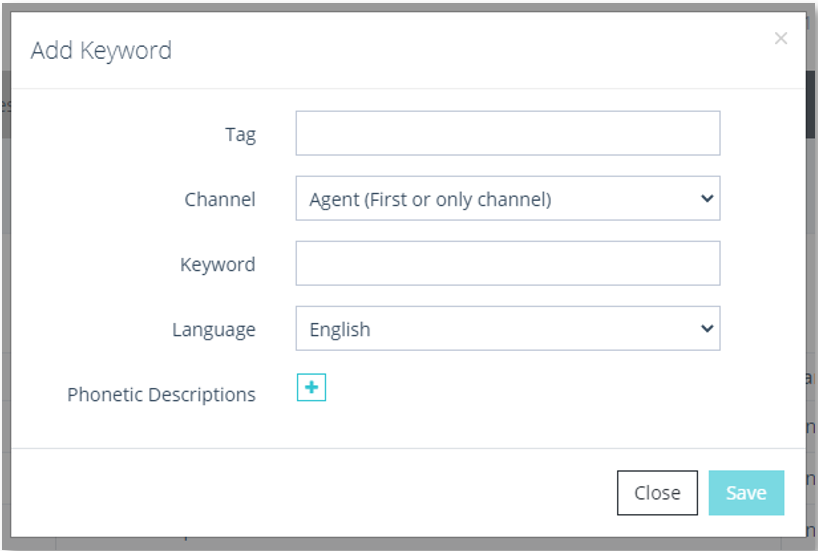
Add Keyword window
This information that appears is the same as the information that appears when you select to edit an existing keyword.