
In the Rules window, we can find two sections: keywords and business rules. Keywords or Key Word means all those words or terms that, after detection in an interaction, will classify it according to the case that has been assigned to it. In the case of Business Rules, these are a series of rules that trigger an action, for example, it can be the case in which an event is to send an email every time an interaction is tagged under the case Negative satisfaction.
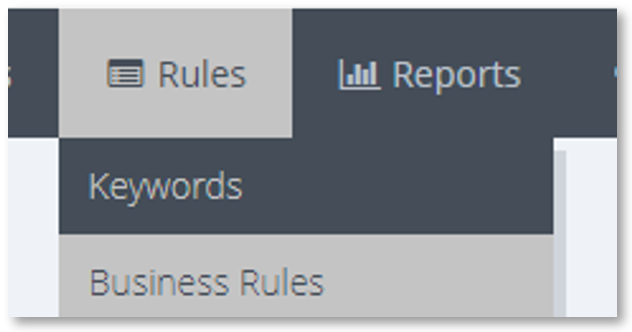
Rules drop-down: Keywords and Business Rules
Once the user has chosen one of the options it will open the next screen where through some tabs you can choose if you want to consult the keywords or business rules.
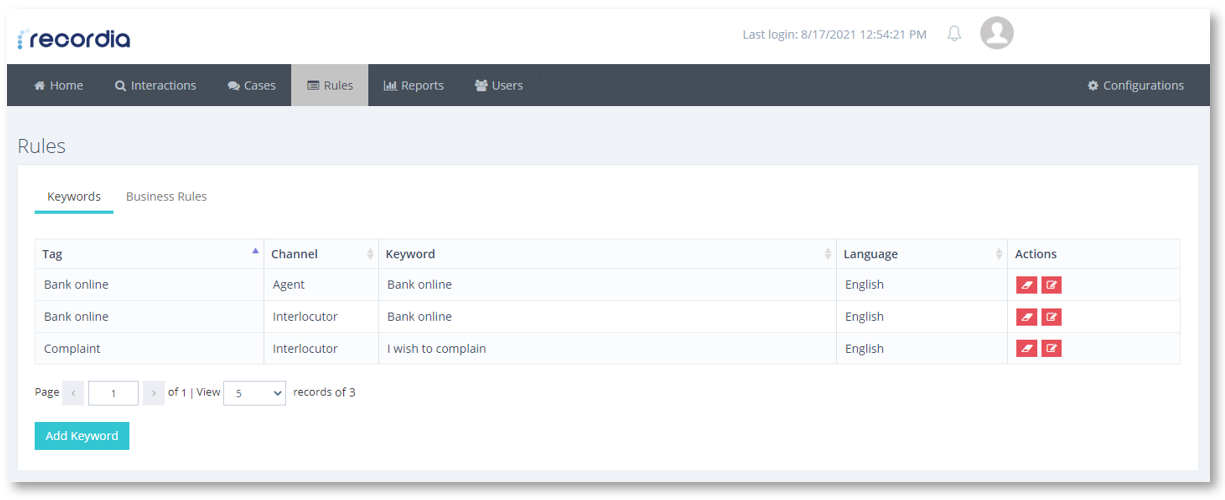
Keyword screen