
Recordia® also allows if you have contracted the transcription license, to consult not only the audio of the recording but also the transcription in text of the same separated by two channels.
To view the transcripts, you will have to click on the Transcribe button  and a pop-up window will appear where the language from which the transcription has been made and the text separated by interlocutors will appear.
For an optimal transcription, the language in which the recording is made must be indicated, which may be varied from the one we configure in Recordia® by default whenever necessary.
The text of the transcript can be copied to the clipboard and pasted into any document.
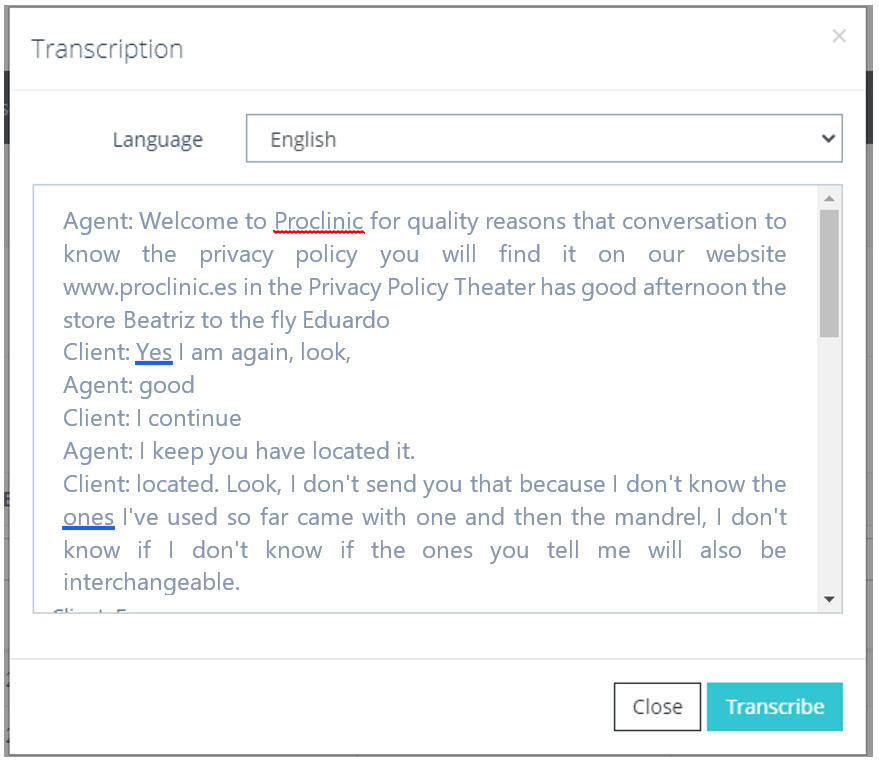
Transcription pop-up detail