
You can access secure datasets by using a programmatic method or by using a secure FTP client. To do this, you'll need to use FTP against the URL ftp.Recordia.net.
Before you can access to log in the download server you must contact CWS and indicate your IP or public IPs to create a rule in the Firewall that allows you to respond to your requests.
Once you've done that, you'll be prompted for a username and password. You will need to enter the credentials of the primary administrator or a user with a list for FTP access enabled.
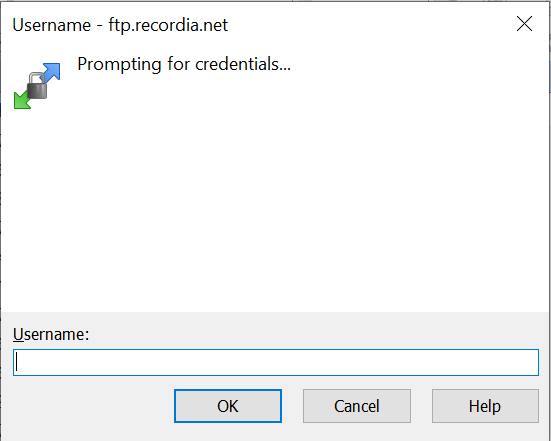
Enter User/password for downloading the recordings.
You can view a catalog of secure datasets.
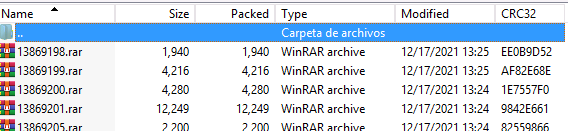
Assembly catalog view.
Select one of the datasets, right-click and save it to your hard drive or NAS storage.
Once the dataset has been downloaded, you can look at the content or expand it. Note that this is a Standard ZIP that you can extract using standard tools. If you have selected it, in the dataset, you will find two types of files, metadata and media files. You can open the metadata.csv file using standard Excel software. Columns contain names, self-explanatory, and delimited.
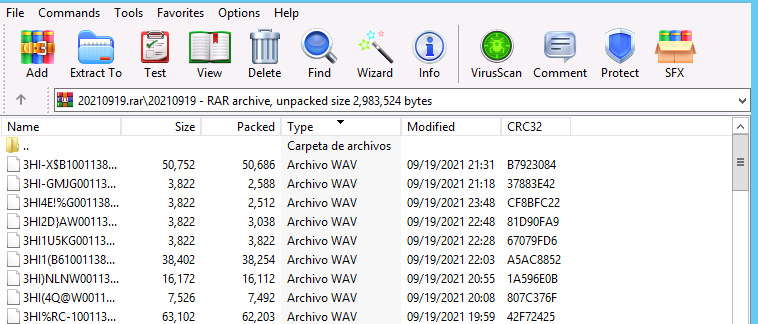
Example of content of a Zip in which shows the .WV and Excel with the metadata.
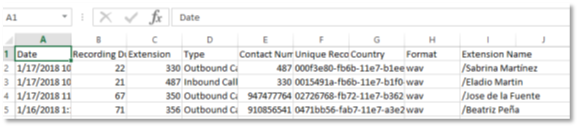
Excel detail with metadata.
You can use this data to index or interface with your own standard CMS.