
Each company or corporate may create new cases so that their interactions are classified according to corporate interests. The administrator will have the ability to create these new cases only by clicking on the create new case button.
Once the button is activated, a screen will open equal to the one that expands the information in the case of a created case but with empty fields and no interaction saved under this name as will be seen below:
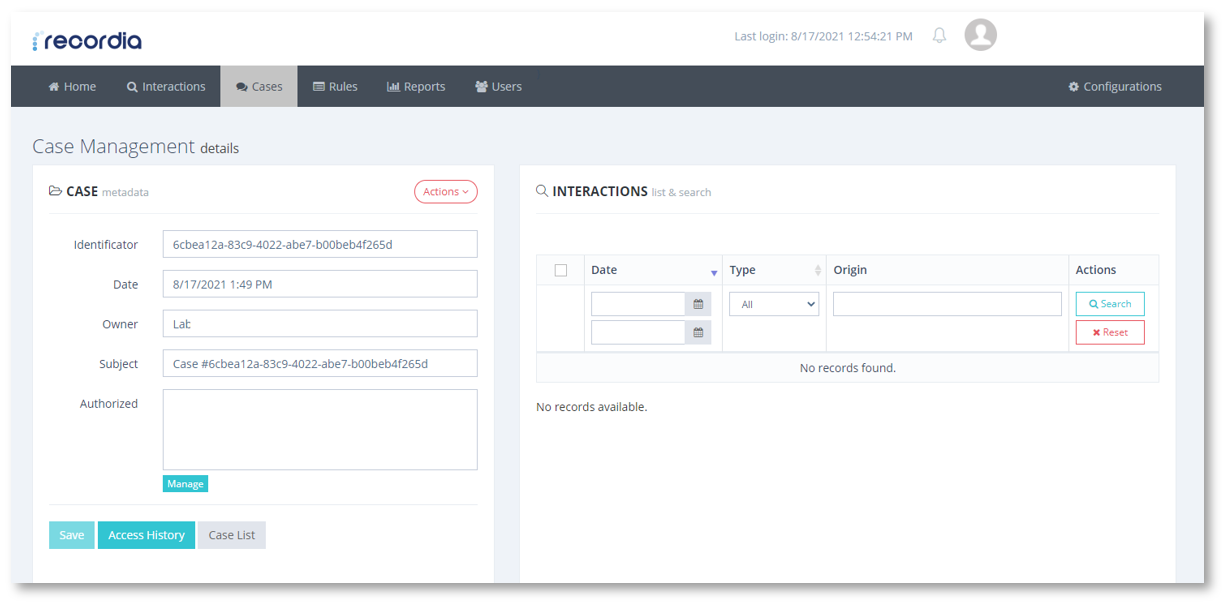
Create a new case
Each case will be identified by a unique ID that will minimize mistakes in naming by matching names between cases. That is, it is possible that there are two cases with the same name but each will be identified by an ID so they will not be mixed when classifying interactions. When creating a new case, the only data that will have to be modified will be the Subject, that is, the name by which the user will identify the case such as: mortgages or customer service.
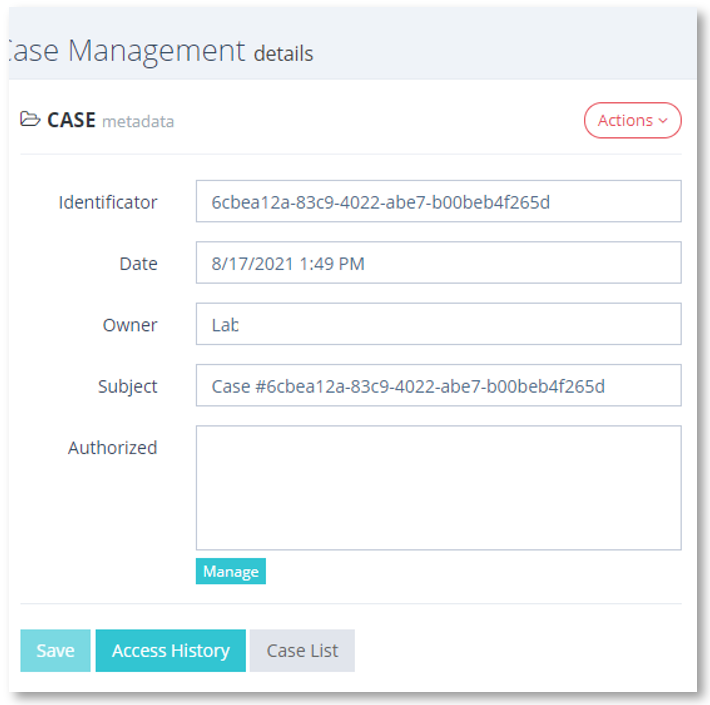
Metadata of the new case
To query this new case, only a user with permissions such as an Administrator or those authorized. To include new authorized users, you must click on the manage button  and a window will appear with the registered users in Recordia®. This way you can select those users you want.
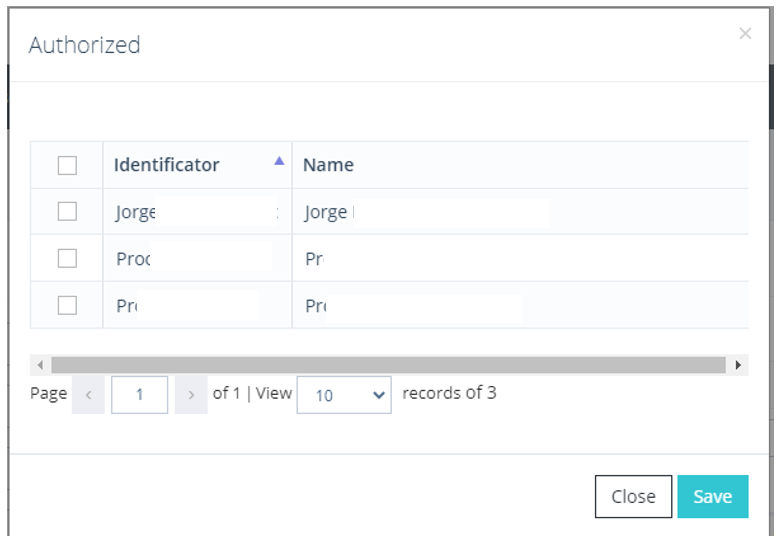
Authorised user selection window
Once the case is created, it will be necessary to create the rules as explained in the next point of this support guide so that the calls, in this case, can be classified from the established Key Word (you can count on the help of Cloud Worldwide services to choose the most optimal depending on the service you offer).