
In Recordia® all the information stored can be downloaded to the computer for later consultation or by decisions of the corporation. You can access the reports through the button in the upper-left corner in the window of the case.  When you activate this button, you will get a drop-down in which you are given the option to download the report in CVS, a file compatible with standard programs such as Excel.
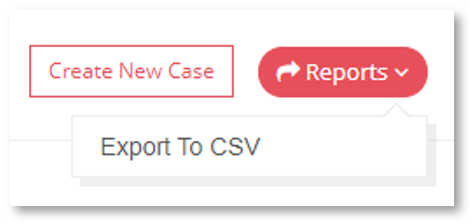
Detailed information for each case
Prior to exporting CSV, you must select in the table the case or cases you want to download. A .ZIP file with two CSV files inside: the metadata of the interactions under the name Interactions and the metadata of the case under the name Metadata.
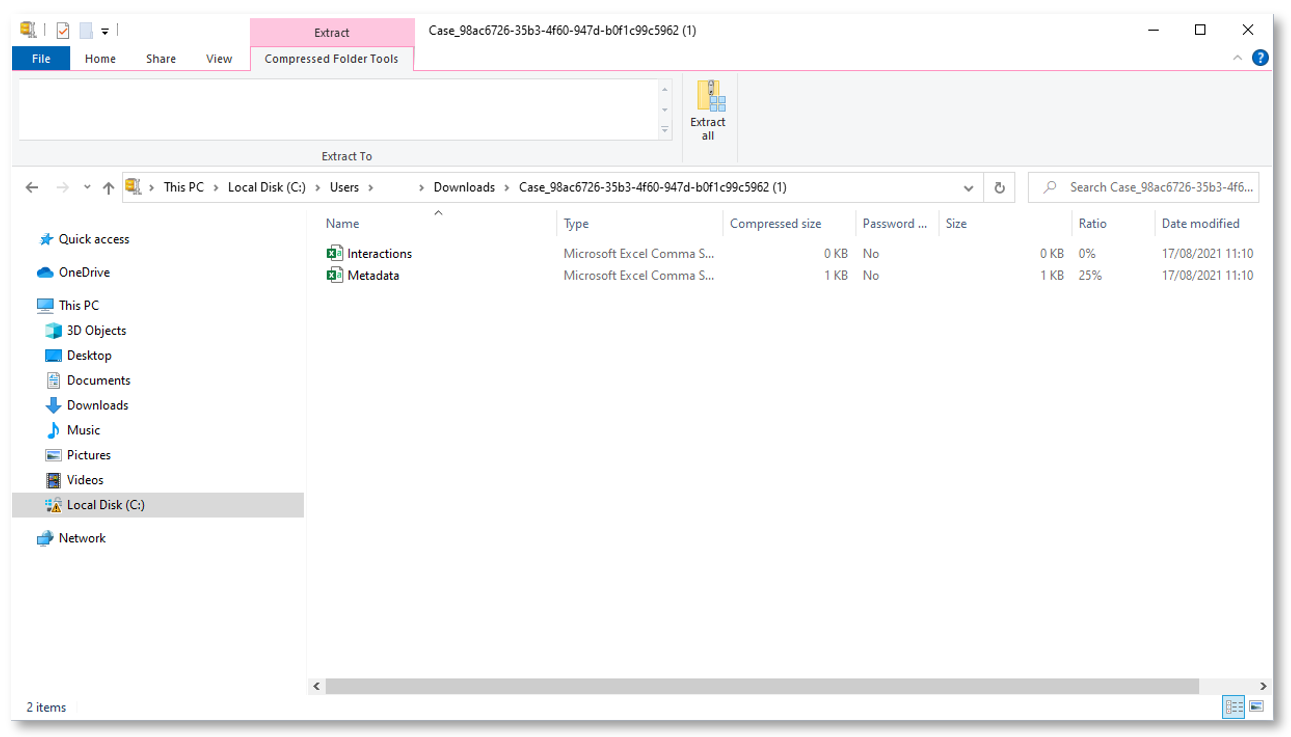
Downloading CSV files by case