In this article we will explain how recipients receive a SecureFax® and also notifications. For information on how to send a SecureFax® click here.
Receiving a SecureFax®
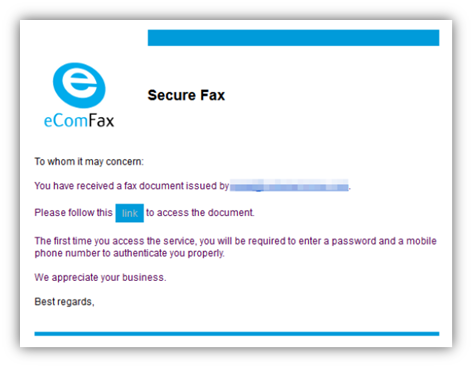
Once a SecureFAX® is sent, the recipient will receive a message via email with “SecureFax” in the subject field and an indication who it is from. This email will have a link that the recipient will need to access and when clicked, a new window will appear inside the eComFax application.
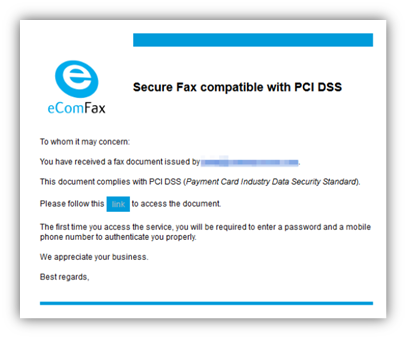
When a SecureFAX® is sent to an individual who has never used the eComFax® service, this recipient should register to the application as an External user. These users will then be able to access the eComFax® application with very limited functionality in order to view the received fax content.
When accessing the platform for the first time, the application will ask the recipient for a password (to-be-entered twice) and a mobile phone number. After a few seconds, a SMS will be received to the provided mobile number with an activation code which should be input into the login window in order to access the application.
Upon successful login, the (External) user(s) (recipient(s)) will immediately see the document and its content. If they close the document window, they will see the eComFax® interface (as a new user) in which they can see all received messages under the “Message List”, along with the entire access history information (such as reception/expiration date, who has accessed the document, and other information).
In addition, the received document may also be downloaded (again, full traceability implied).
Setting all incoming faxes as SecureFax®
A DID may be assigned also to receive faxes via SecureFAX®. There may be several reasons to use SecureFAX® as a receiving method instead of email delivery. For instance, one may not want email administrator or ISP accessing the content or intercepting fax messages.
By delivering incoming faxes through SecureFAX®, the email of an incoming fax only contains a link and not the attachment itself. In order to access the document, the user has to be logged in to the eComFax webpage and once logged in, they may view the content using a secure HTTPs connection.
You can set this feature by adjusting the information on your fax number, you can find out how to here.
SecureFax® Notifications
SecureFAX® has a set of notifications to inform the sender about the fax transmission.
When a user signs up for eComFax®, they will indicate the email address which all the messages and notifications should be sent to. Furthermore, eComFax® allows up to three different emails for the same function.
Tip: if you are an Enterprise user, the sender of the fax will receive the notifications.
As soon as a SecureFAX® is sent, a notification of this activity is received. In case the message was sent by error, recipient’s access to the document may also be disabled.
In case the recipient has not opened the document in the pre-determined time frame, the sender will receive a notification message about the expiration date and the option to extend the expiration date by resending the message with the link to the recipient once again.
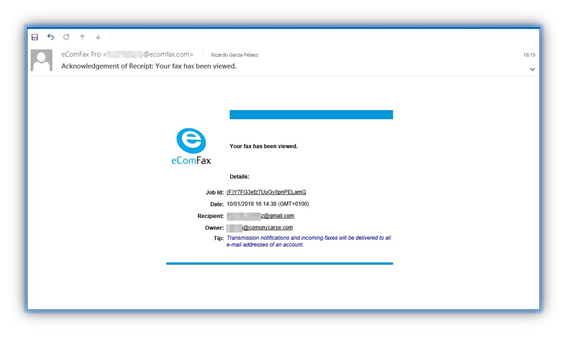
Conversely, if the recipient does access the document, the sender will receive a notification message with the date and time when the document was accessed. This email may be kept as a proof that the document was viewed by the addressee/recipient with 100% certainty.